
MyDiningHub Mobile App
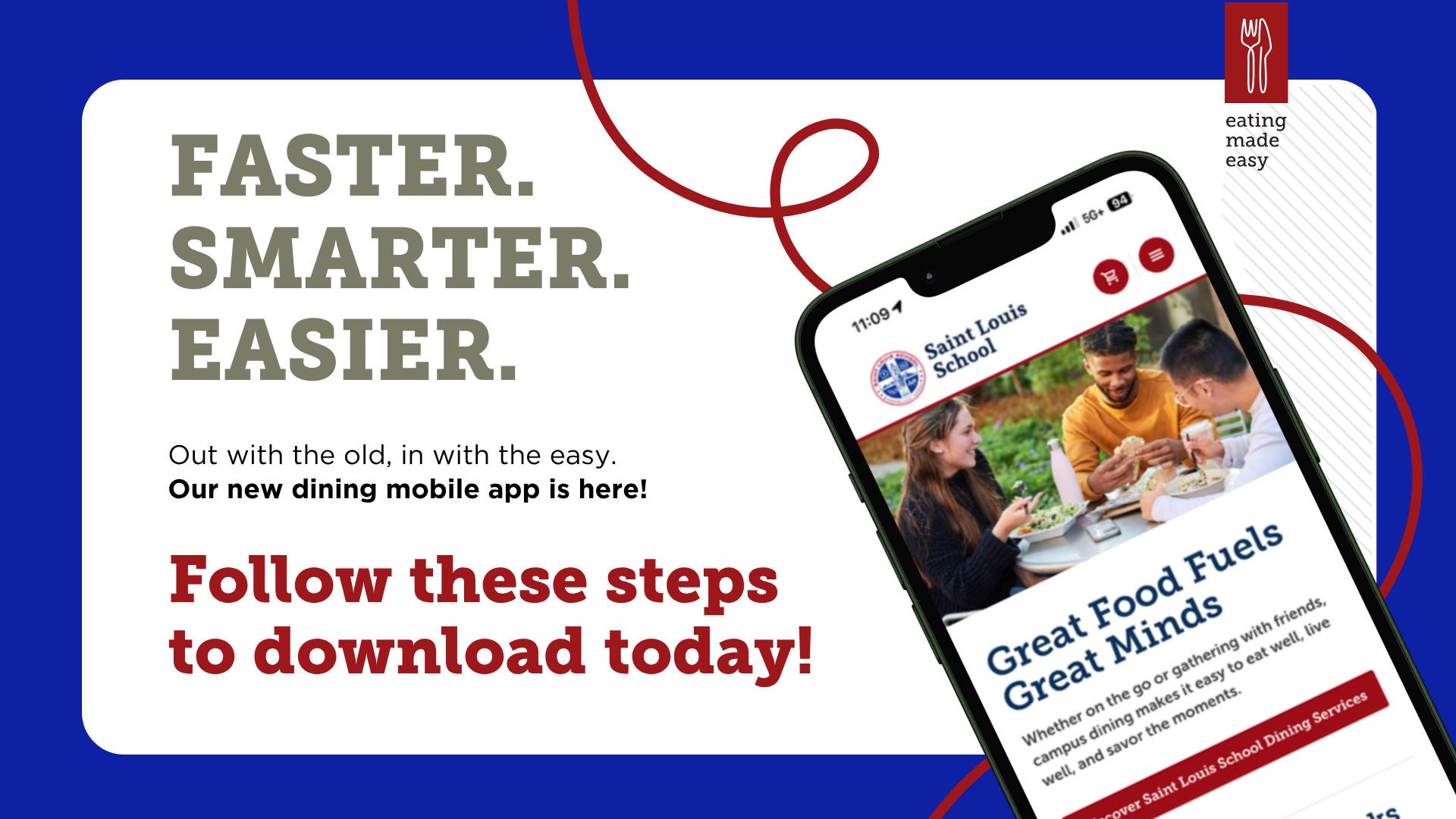
Step 1
Download the App (through the Apple App Store or Google Play Store)


Step 2
Search for Saint Louis School under "Find Your Hub"
Step 3
Navigate to "Sign Up" at the bottom of the page. Either sign in using your current account using your credentials or create an account if you are a new guest.
Step 4
You are all set! You can now easily purchase meal plans and debit dollars, check out hours of operation for our locations and much more all through your mobile app!